


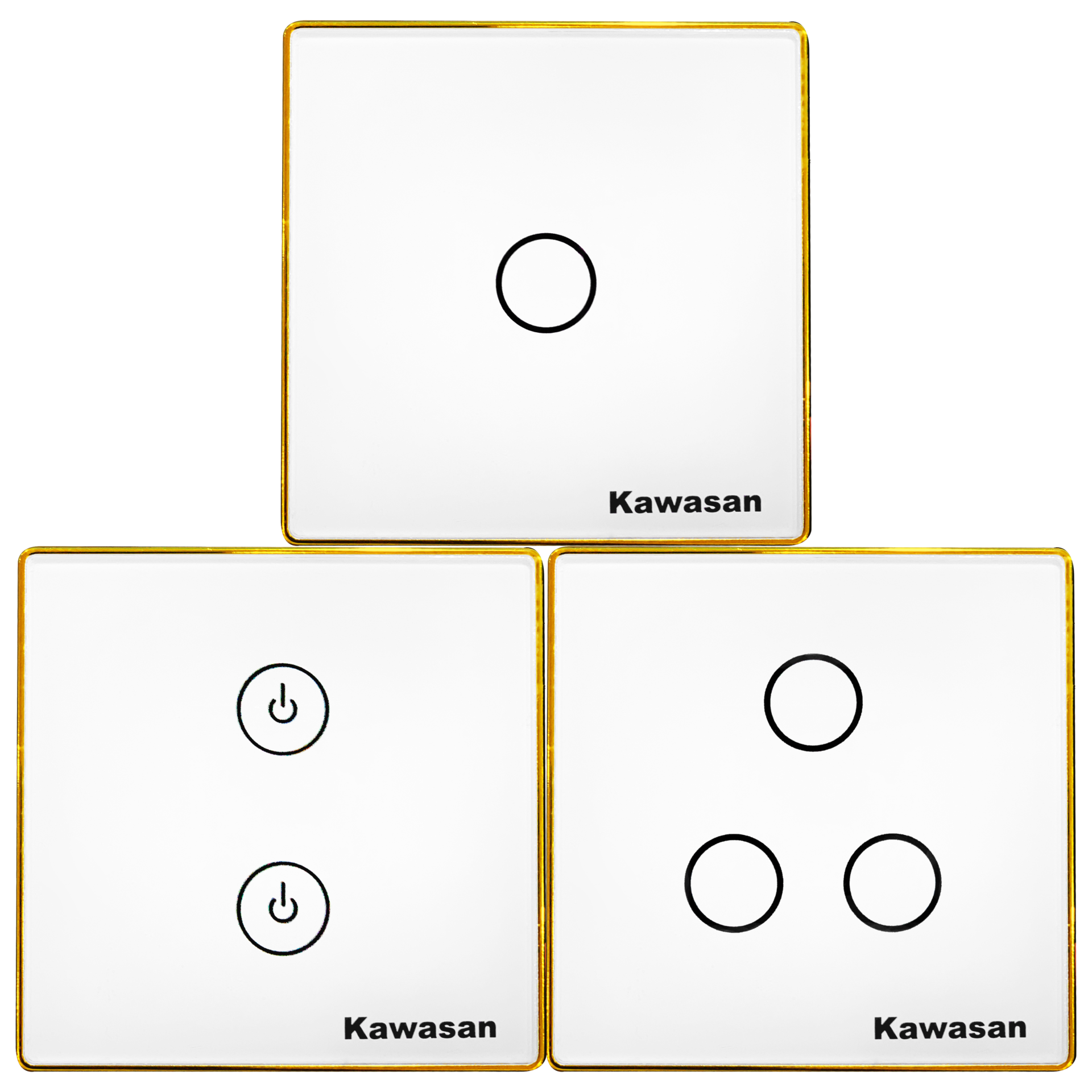
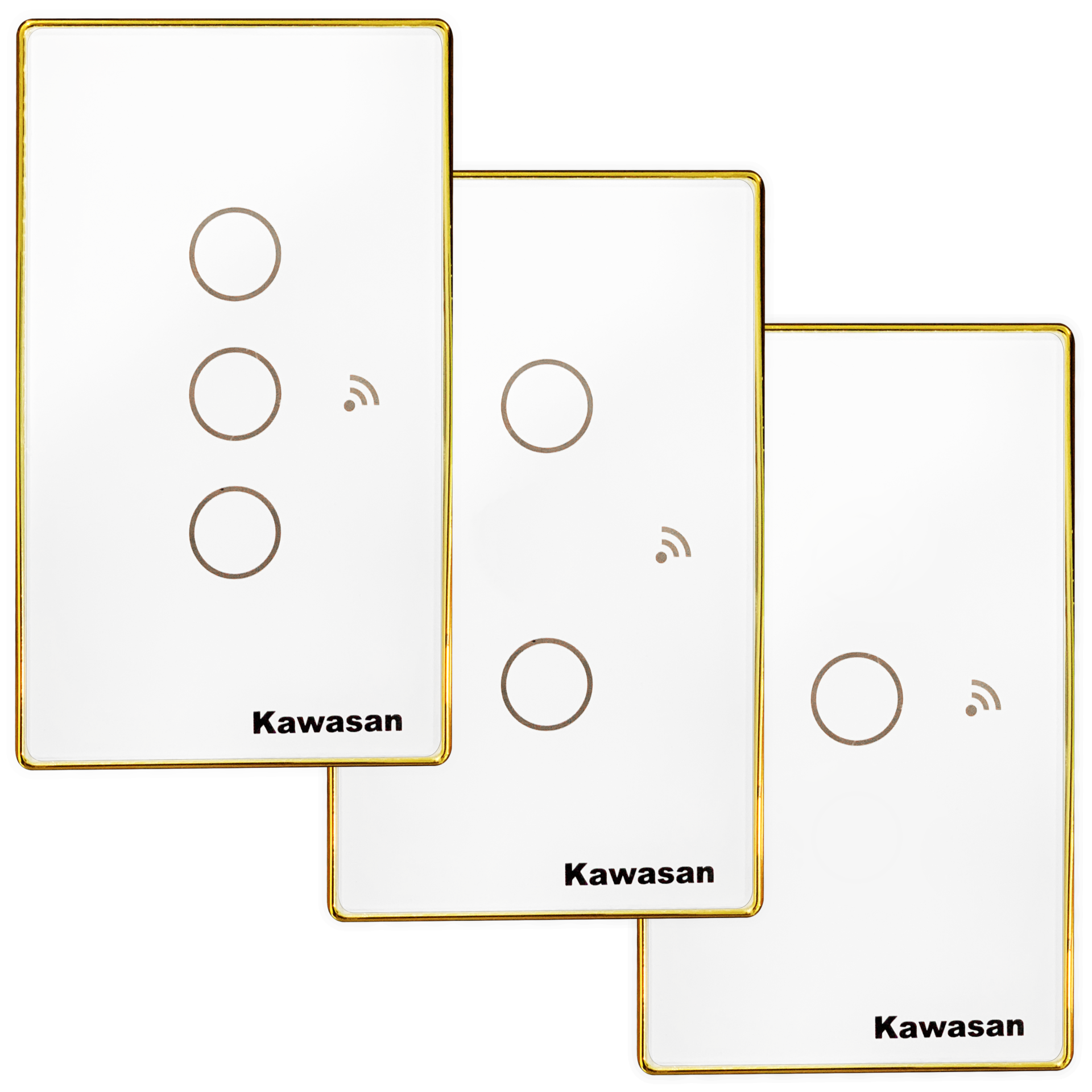
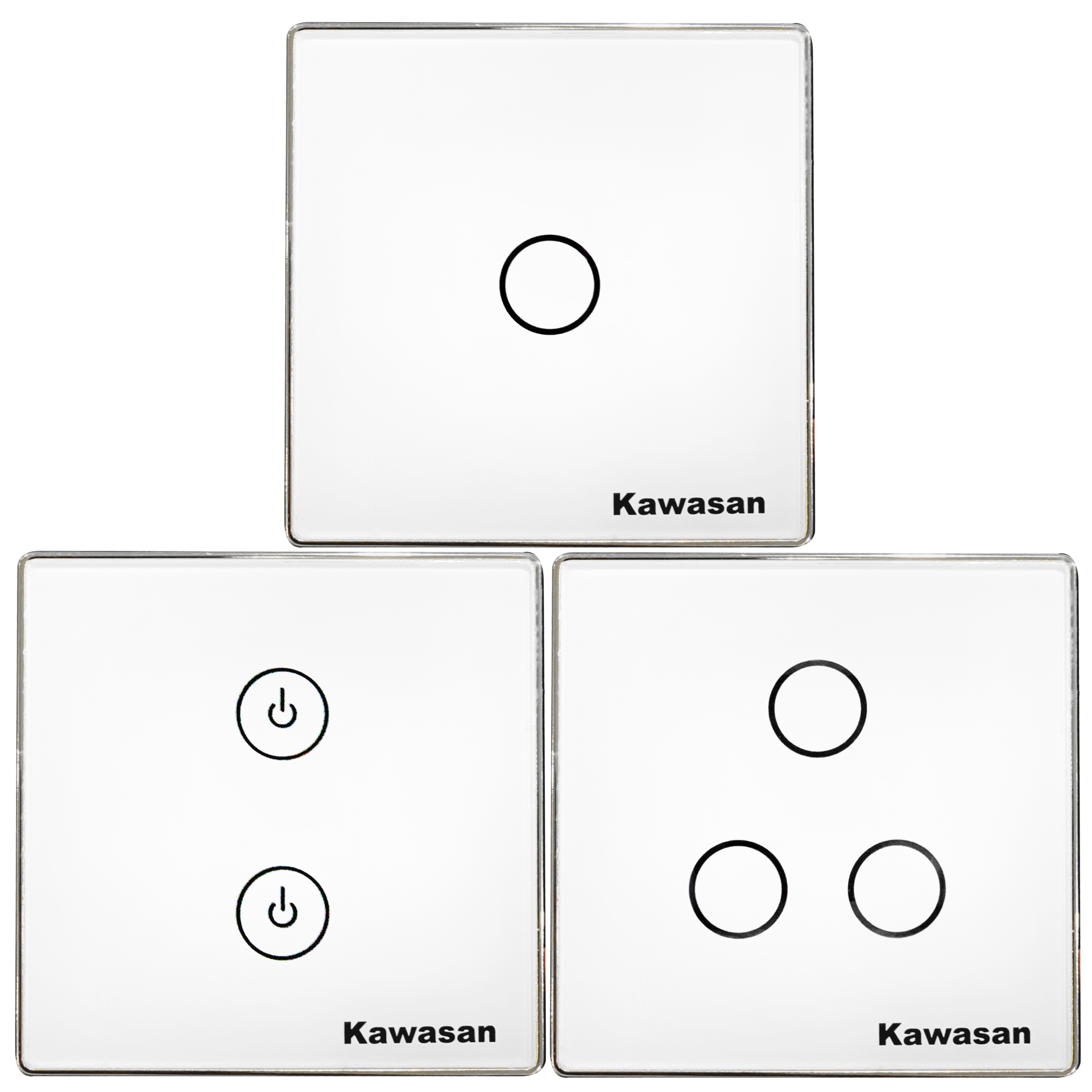
WHAT IS A WI-FI SWITCH?
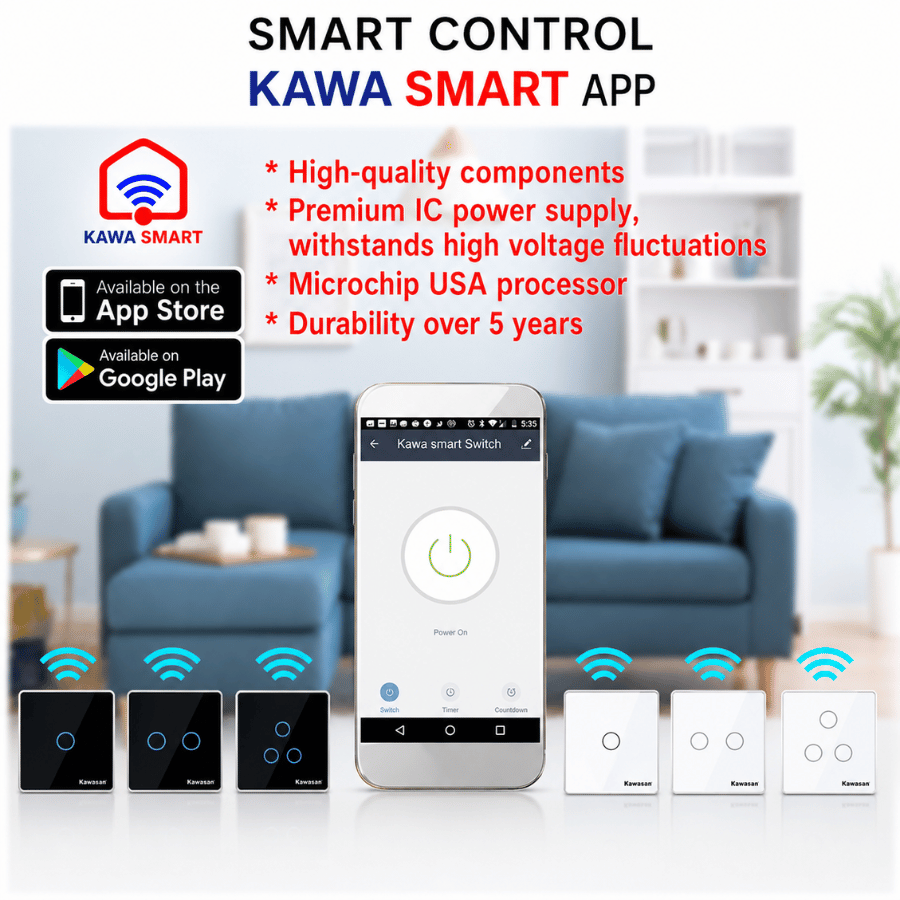
- In-Wall Wi-Fi Switch, also known as Smart Switch Wi-Fi connects directly to the existing Wi-Fi system in homes, offices, and other spaces. The current Wi-Fi router will act as the connection center for the Wi-Fi switches. Users only need to download the free Kawa Smart app from the App Store or Play Store (CH Play) to their smartphone. After registering and completing the setup in just a few minutes, the device is ready to use.
- The Wi-Fi switch uses digital technology and can be controlled via smartphone through the KAWA SMART app from anywhere with Wi-Fi, 3G, or 4G, using just a simple operation. Now, turning devices in your home on or off has become extremely simple and convenient.
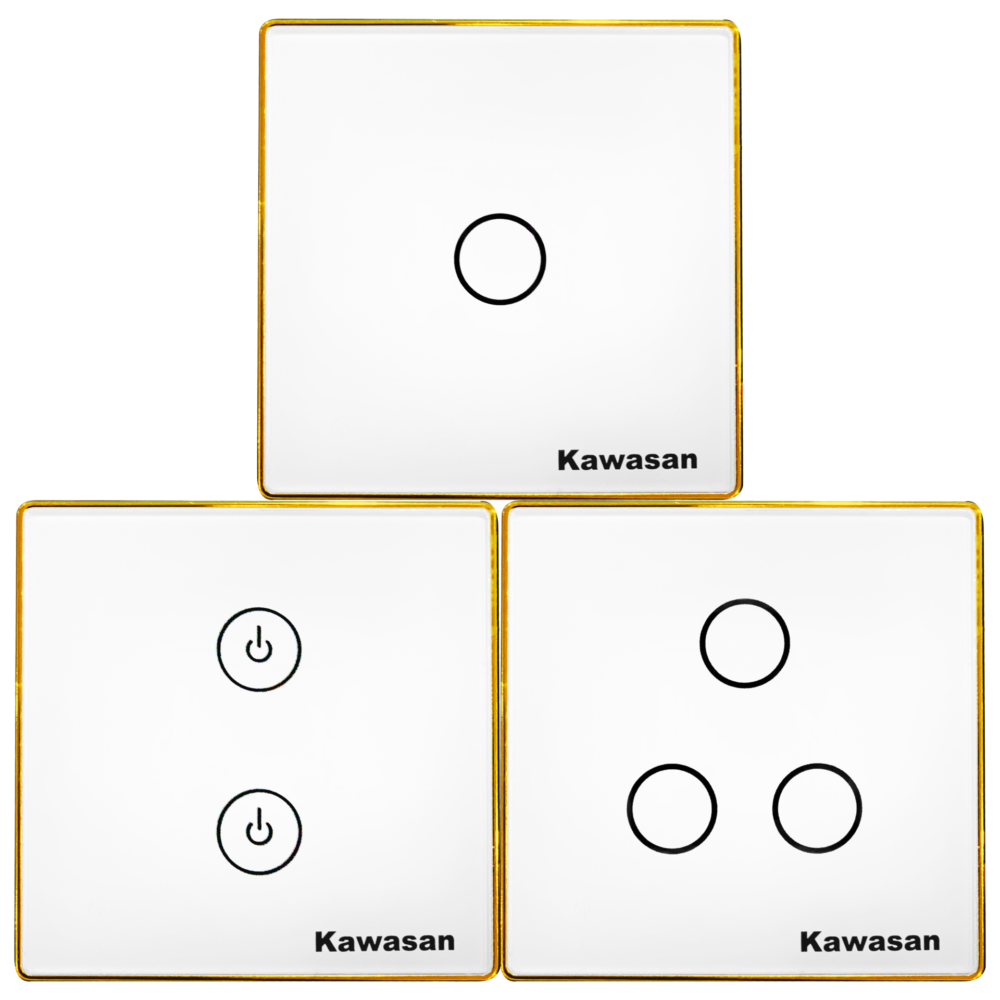
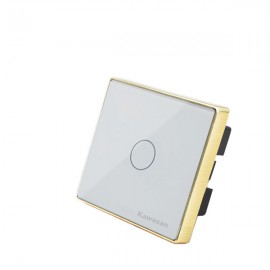
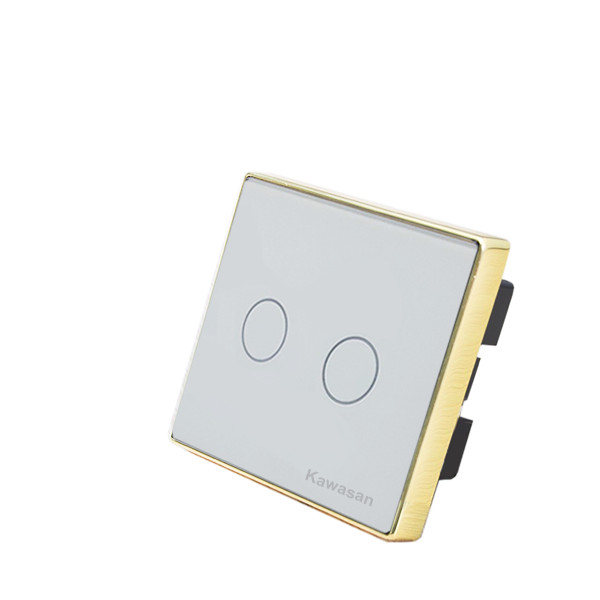
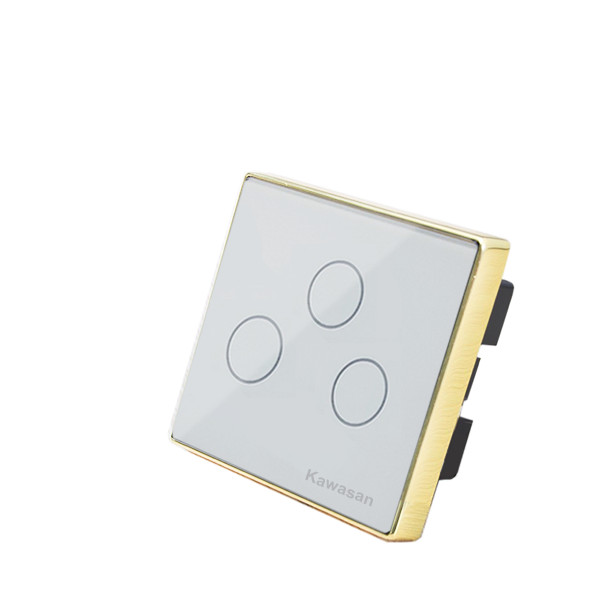
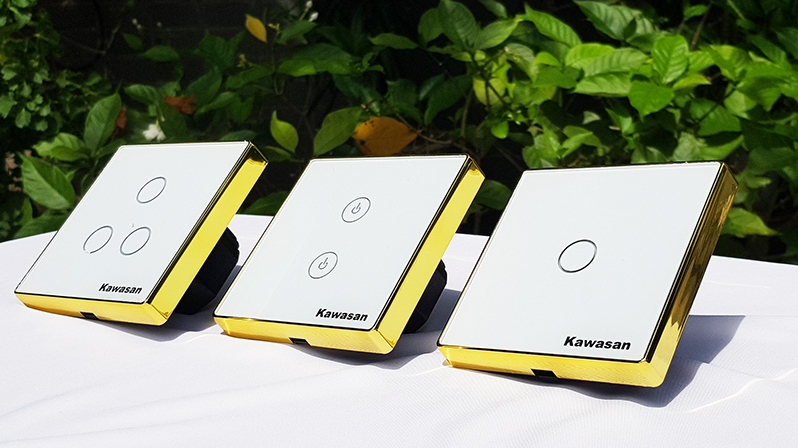
- The switch can be controlled remotely via smartphone, voice command, or direct touch. It features an in-wall design with a tempered glass panel that is highly effective in resisting scratches and fire. Easy to install, with an in-wall base design that follows Vietnamese standards. No need for complicated additional wiring that may affect the aesthetics of your home.
WHAT ARE THE FUNCTIONS OF A WI-FI SMART SWITCH?
In addition to local on/off control by touching the glass panel. In-Wall Switch The smart switch also has a status indicator light to distinguish whether it is on or off. The Wi-Fi switch can be scheduled to turn on and off automatically according to real time, daily or weekly. Users can also set up smart scenes on the app, allowing them to turn on only one switch while multiple lights turn on or off at the same time.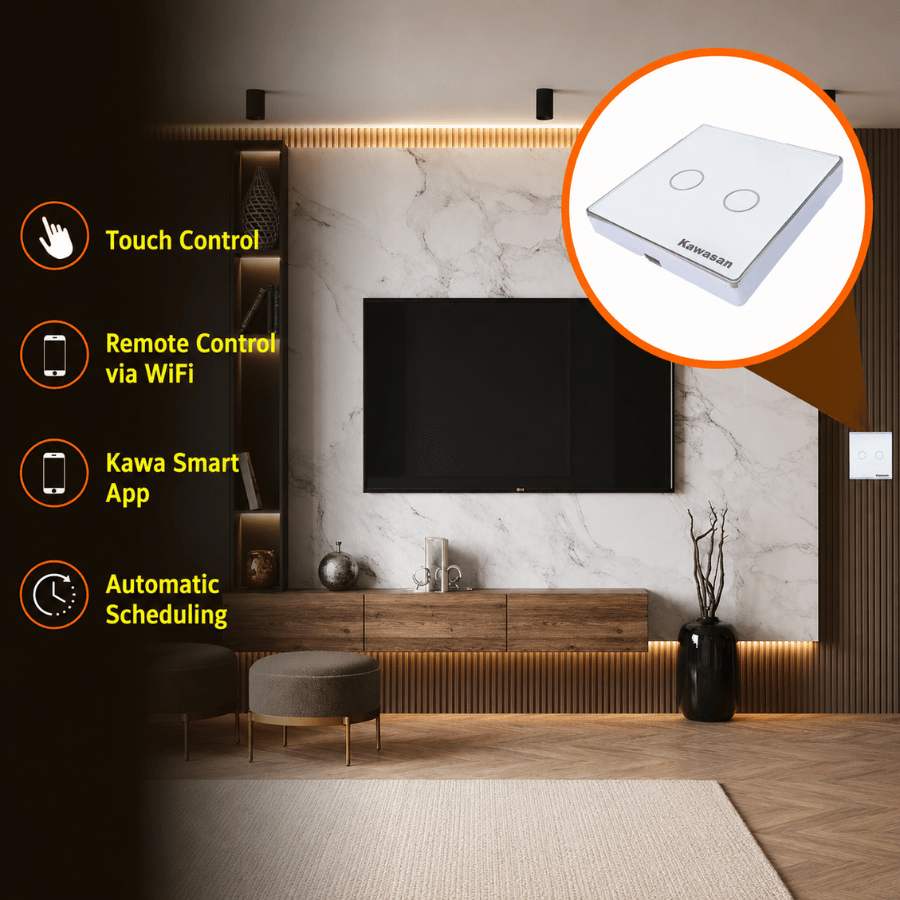
ADVANTAGES OF KAWASAN SMART SWITCHES
- Replaces traditional mechanical switches in existing homes, allowing users to turn devices on and off remotely with great convenience.
- Compact and easy to use, the product can operate independently without requiring a central controller.
- High-sensitivity touch button with a blue-red illuminated border, making it easy to see in the dark.
- Multiple control methods are available, including control via smartphone connected to Wi-Fi, voice control through Google Home / Alexa, and direct touch control.
- Helps reduce electricity costs by making it easy to turn off devices when they are not in use.
- Brings convenience and elegance to your beloved home.
- Long service life of up to 50,000 on/off cycles, helping reduce the cost of replacing devices.
APPLICATIONS AND BENEFITS OF IN-WALL WI-FI SWITCHES
- When it is dark, turning on the switch is very easy. Users can clearly see the indicator light and know whether the switch is on or off. This helps avoid the risk of electric shock caused by fumbling to find the switch in the dark.
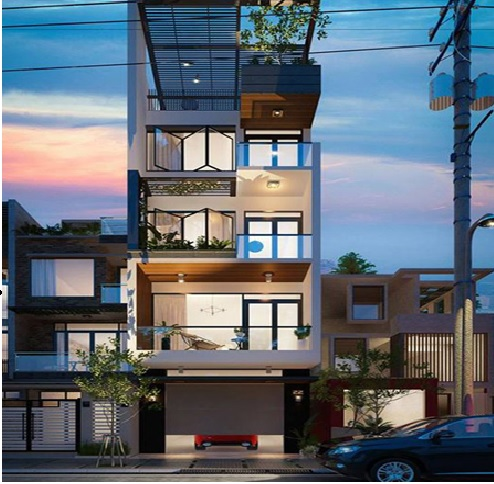
- Suitable for lights that need to turn on regularly every day at fixed times, such as turning on at 7:00 PM and automatically turning off at 12:00 PM, or staying on until morning before turning off. For example: gate lights, balcony lights, garden lights, and more.
- When you are away from home and no one is there to watch the house, you only need to set a lighting schedule for the gate lights, balcony lights, and living room lights to turn on automatically at 7:00 PM and turn off automatically in the morning. For anti-theft purposes, you can also set the bedroom and living room lights to turn on and off every 30 minutes, creating the appearance that someone is at home and moving around turning the lights on and off. This can help deter burglars from noticing and sneaking in to steal property.
- Energy Saving: Homeowners can proactively set schedules and smart scenes so that lighting devices automatically turn off every day, helping prevent electricity waste caused by forgetting to turn them off. Even bedroom lights can be set to turn off automatically at 10:00 PM. If users want to turn them back on, they can easily do so manually. This helps children and the elderly go to bed earlier, saving electricity while also supporting better health.

WHAT ADVANTAGES DO KAWASAN IN-WALL SWITCHES HAVE COMPARED TO SIMILAR PRODUCTS ON THE MARKET?
- Kawasan Smart Switches use genuine components, a premium IC power supply, and a Microchip USA microprocessor. This helps the product deliver high stability and durability, outperforming mass-market and lower-priced products on the market.
- The Kawa Smart app is provided free of charge to users and ensures a high level of security. The connection is fast and stable, delivering responsive and quick control performance.
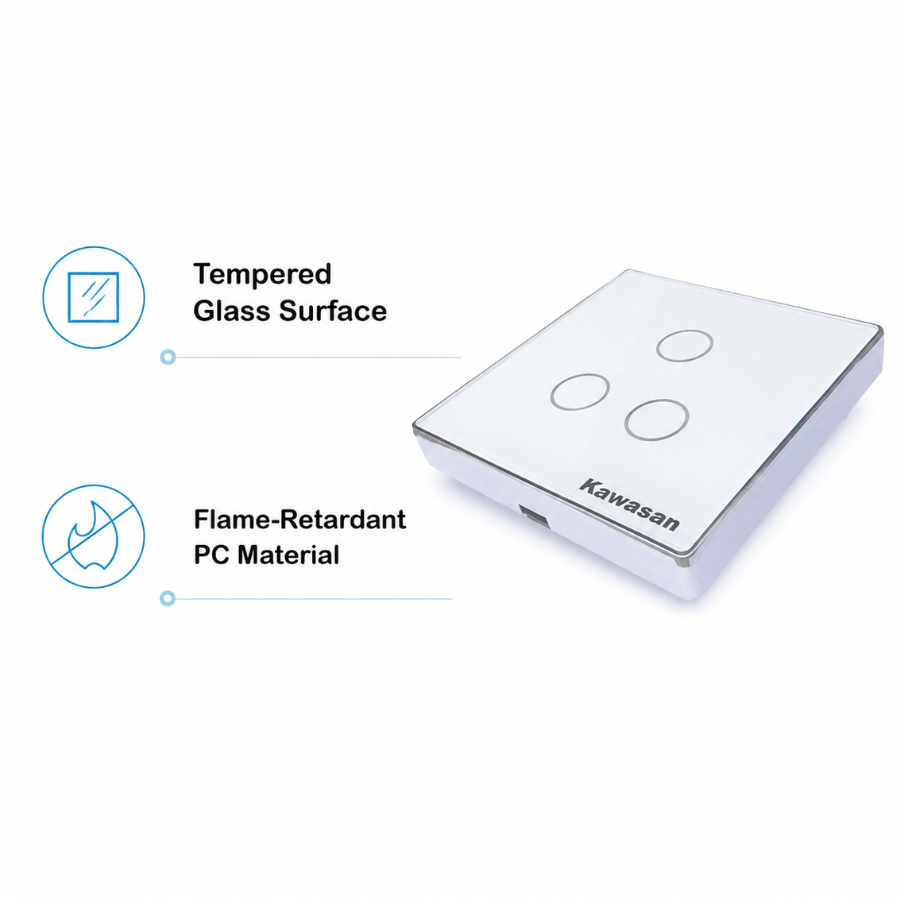
- Tempered glass panel design with a silver-plated border for models with a frame. In addition, there is an inner plastic housing layer beneath the glass, covering the circuit board and touch button. This helps reduce moisture condensation on the inner surface of the glass, which may cause the switch to turn on/off randomly and easily lead to electrical contact, resulting in fire, explosion, or circuit board damage.
- Wireless Communication: 2.4G Wi-Fi 11 b/g/n standard, No Home Saver Required
- APP: Tuya / Smart Life
- Operating Voltage: AC 110–220V, 50/60Hz
- No-Load Power: ≤0.5W
- Max Load Output: 150W (LED lights) per output
- Standby Power Consumption: 0.8W
- Remote control via phone over Wi-Fi 2.4G/3G/4G
- Dimensions: 86 x 86 x 42mm
- Tempered glass panel.
- Flame-retardant plastic.
- Single live wire control, easy to install and replace
- Operating Temperature: -10°C – 40°C
Thank you for trusting Kawasan products!
Toll-Free Consulting Hotline: 1800 0058 Or Call Directly: 0911 757 234
Website: www.kawasan.com.vn
- Description
- Additional information
- Reviews (2)
Description
WHAT IS A WI-FI SWITCH?
- In-Wall Wi-Fi Switch, also known as Smart Switch Wi-Fi connects directly to the existing Wi-Fi system in homes, offices, and other spaces. The current Wi-Fi router will act as the connection center for the Wi-Fi switches. Users only need to download the free Kawa Smart app from the App Store or Play Store (CH Play) to their smartphone. After registering and completing the setup in just a few minutes, the device is ready to use.
- The Wi-Fi switch uses digital technology and can be controlled via smartphone through the KAWA SMART app from anywhere with Wi-Fi, 3G, or 4G, using just a simple operation. Now, turning devices in your home on or off has become extremely simple and convenient.
- The switch can be controlled remotely via smartphone, voice command, or direct touch. It features an in-wall design with a tempered glass panel that is highly effective in resisting scratches and fire. Easy to install, with an in-wall base design that follows Vietnamese standards. No need for complicated additional wiring that may affect the aesthetics of your home.
WHAT ARE THE FUNCTIONS OF A WI-FI SMART SWITCH?
In addition to local on/off control by touching the glass panel. In-Wall Switch The smart switch also has a status indicator light to distinguish whether it is on or off. The Wi-Fi switch can be scheduled to turn on and off automatically according to real time, daily or weekly. Users can also set up smart scenes on the app, allowing them to turn on only one switch while multiple lights turn on or off at the same time.
ADVANTAGES OF KAWASAN SMART SWITCHES
- Replaces traditional mechanical switches in existing homes, allowing users to turn devices on and off remotely with great convenience.
- Compact and easy to use, the product can operate independently without requiring a central controller.
- High-sensitivity touch button with a blue-red illuminated border, making it easy to see in the dark.
- Multiple control methods are available, including control via smartphone connected to Wi-Fi, voice control through Google Home / Alexa, and direct touch control.
- Helps reduce electricity costs by making it easy to turn off devices when they are not in use.
- Brings convenience and elegance to your beloved home.
- Long service life of up to 50,000 on/off cycles, helping reduce the cost of replacing devices.
APPLICATIONS AND BENEFITS OF IN-WALL WI-FI SWITCHES
- When it is dark, turning on the switch is very easy. Users can clearly see the indicator light and know whether the switch is on or off. This helps avoid the risk of electric shock caused by fumbling to find the switch in the dark.
- Suitable for lights that need to turn on regularly every day at fixed times, such as turning on at 7:00 PM and automatically turning off at 12:00 PM, or staying on until morning before turning off. For example: gate lights, balcony lights, garden lights, and more.
- When you are away from home and no one is there to watch the house, you only need to set a lighting schedule for the gate lights, balcony lights, and living room lights to turn on automatically at 7:00 PM and turn off automatically in the morning. For anti-theft purposes, you can also set the bedroom and living room lights to turn on and off every 30 minutes, creating the appearance that someone is at home and moving around turning the lights on and off. This can help deter burglars from noticing and sneaking in to steal property.
- Energy Saving: Homeowners can proactively set schedules and smart scenes so that lighting devices automatically turn off every day, helping prevent electricity waste caused by forgetting to turn them off. Even bedroom lights can be set to turn off automatically at 10:00 PM. If users want to turn them back on, they can easily do so manually. This helps children and the elderly go to bed earlier, saving electricity while also supporting better health.
WHAT ADVANTAGES DO KAWASAN IN-WALL SWITCHES HAVE COMPARED TO SIMILAR PRODUCTS ON THE MARKET?
- Kawasan Smart Switches use genuine components, a premium IC power supply, and a Microchip USA microprocessor. This helps the product deliver high stability and durability, outperforming mass-market and lower-priced products on the market.
- The Kawa Smart app is provided free of charge to users and ensures a high level of security. The connection is fast and stable, delivering responsive and quick control performance.
- Tempered glass panel design with a silver-plated border for models with a frame. In addition, there is an inner plastic housing layer beneath the glass, covering the circuit board and touch button. This helps reduce moisture condensation on the inner surface of the glass, which may cause the switch to turn on/off randomly and easily lead to electrical contact, resulting in fire, explosion, or circuit board damage.
Additional information
| Classify | 1 nút chạm, 2 nút chạm, 3 nút chạm |
|---|
2 reviews for Công Tắt Cảm Ứng Chạm Wifi CT1,2,3VW-WIFI-VV
Add a review
- Description
- Additional information
- Reviews (2)
Description
WHAT IS A WI-FI SWITCH?
- In-Wall Wi-Fi Switch, also known as Smart Switch Wi-Fi connects directly to the existing Wi-Fi system in homes, offices, and other spaces. The current Wi-Fi router will act as the connection center for the Wi-Fi switches. Users only need to download the free Kawa Smart app from the App Store or Play Store (CH Play) to their smartphone. After registering and completing the setup in just a few minutes, the device is ready to use.
- The Wi-Fi switch uses digital technology and can be controlled via smartphone through the KAWA SMART app from anywhere with Wi-Fi, 3G, or 4G, using just a simple operation. Now, turning devices in your home on or off has become extremely simple and convenient.
- The switch can be controlled remotely via smartphone, voice command, or direct touch. It features an in-wall design with a tempered glass panel that is highly effective in resisting scratches and fire. Easy to install, with an in-wall base design that follows Vietnamese standards. No need for complicated additional wiring that may affect the aesthetics of your home.
WHAT ARE THE FUNCTIONS OF A WI-FI SMART SWITCH?
In addition to local on/off control by touching the glass panel. In-Wall Switch The smart switch also has a status indicator light to distinguish whether it is on or off. The Wi-Fi switch can be scheduled to turn on and off automatically according to real time, daily or weekly. Users can also set up smart scenes on the app, allowing them to turn on only one switch while multiple lights turn on or off at the same time.
ADVANTAGES OF KAWASAN SMART SWITCHES
- Replaces traditional mechanical switches in existing homes, allowing users to turn devices on and off remotely with great convenience.
- Compact and easy to use, the product can operate independently without requiring a central controller.
- High-sensitivity touch button with a blue-red illuminated border, making it easy to see in the dark.
- Multiple control methods are available, including control via smartphone connected to Wi-Fi, voice control through Google Home / Alexa, and direct touch control.
- Helps reduce electricity costs by making it easy to turn off devices when they are not in use.
- Brings convenience and elegance to your beloved home.
- Long service life of up to 50,000 on/off cycles, helping reduce the cost of replacing devices.
APPLICATIONS AND BENEFITS OF IN-WALL WI-FI SWITCHES
- When it is dark, turning on the switch is very easy. Users can clearly see the indicator light and know whether the switch is on or off. This helps avoid the risk of electric shock caused by fumbling to find the switch in the dark.
- Suitable for lights that need to turn on regularly every day at fixed times, such as turning on at 7:00 PM and automatically turning off at 12:00 PM, or staying on until morning before turning off. For example: gate lights, balcony lights, garden lights, and more.
- When you are away from home and no one is there to watch the house, you only need to set a lighting schedule for the gate lights, balcony lights, and living room lights to turn on automatically at 7:00 PM and turn off automatically in the morning. For anti-theft purposes, you can also set the bedroom and living room lights to turn on and off every 30 minutes, creating the appearance that someone is at home and moving around turning the lights on and off. This can help deter burglars from noticing and sneaking in to steal property.
- Energy Saving: Homeowners can proactively set schedules and smart scenes so that lighting devices automatically turn off every day, helping prevent electricity waste caused by forgetting to turn them off. Even bedroom lights can be set to turn off automatically at 10:00 PM. If users want to turn them back on, they can easily do so manually. This helps children and the elderly go to bed earlier, saving electricity while also supporting better health.
WHAT ADVANTAGES DO KAWASAN IN-WALL SWITCHES HAVE COMPARED TO SIMILAR PRODUCTS ON THE MARKET?
- Kawasan Smart Switches use genuine components, a premium IC power supply, and a Microchip USA microprocessor. This helps the product deliver high stability and durability, outperforming mass-market and lower-priced products on the market.
- The Kawa Smart app is provided free of charge to users and ensures a high level of security. The connection is fast and stable, delivering responsive and quick control performance.
- Tempered glass panel design with a silver-plated border for models with a frame. In addition, there is an inner plastic housing layer beneath the glass, covering the circuit board and touch button. This helps reduce moisture condensation on the inner surface of the glass, which may cause the switch to turn on/off randomly and easily lead to electrical contact, resulting in fire, explosion, or circuit board damage.
Additional information
| Classify | 1 nút chạm, 2 nút chạm, 3 nút chạm |
|---|
2 reviews for Công Tắt Cảm Ứng Chạm Wifi CT1,2,3VW-WIFI-VV
-
Công tắc cảm ứng chạm rất nhạy
-
Mình hay quên tắt điện trước khi đi ngủ nên có thể kiểm tra và xử lý qua WiFi thấy tiện hơn hẳn

Add a review
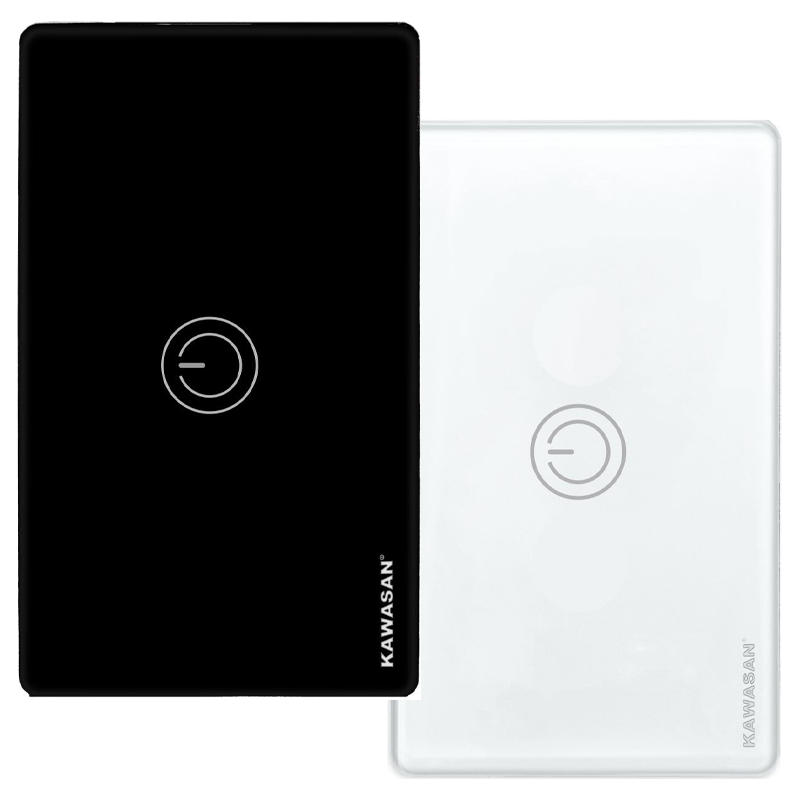
High-Power Wi-Fi Touch Switch CT15A-WIFI
736.000 ₫
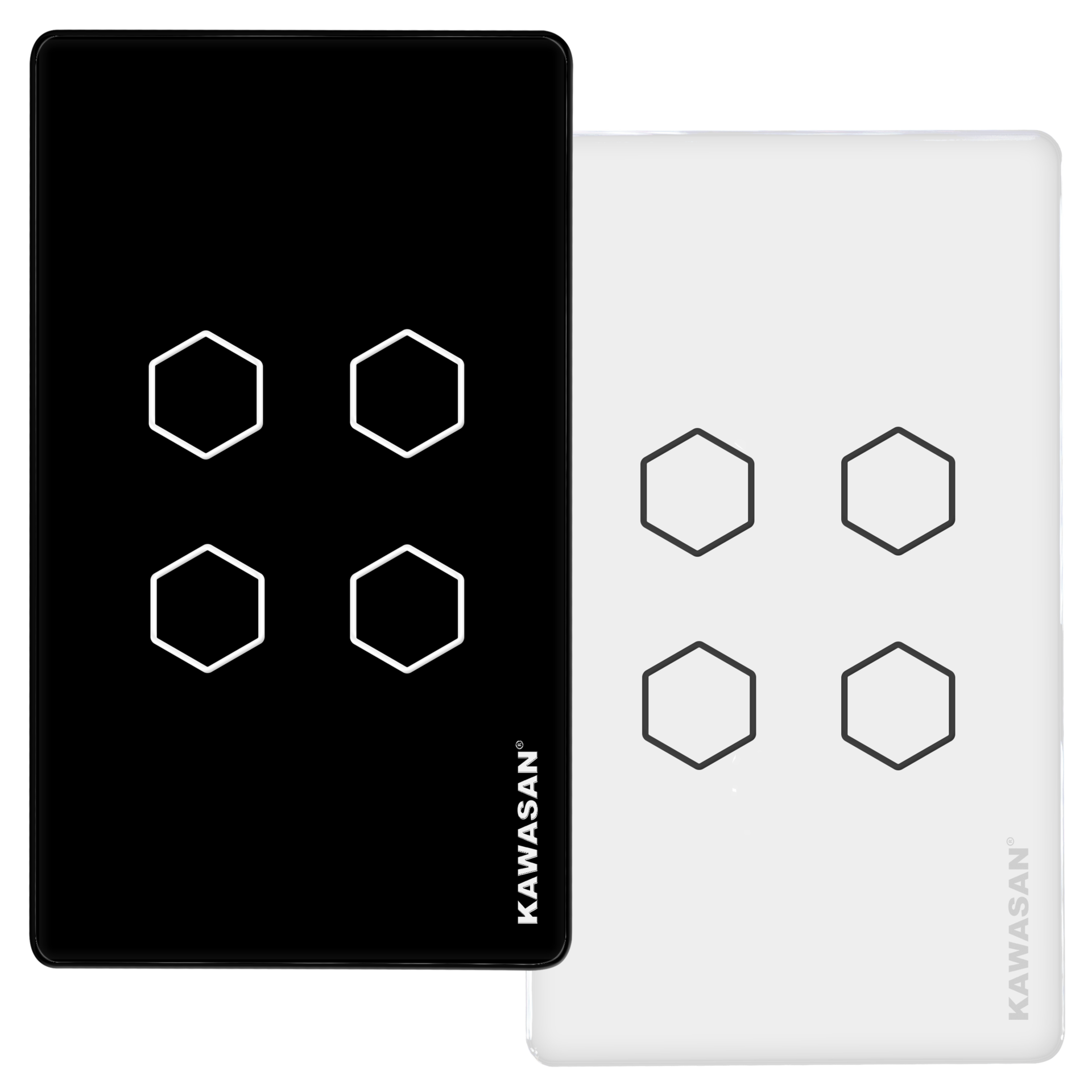
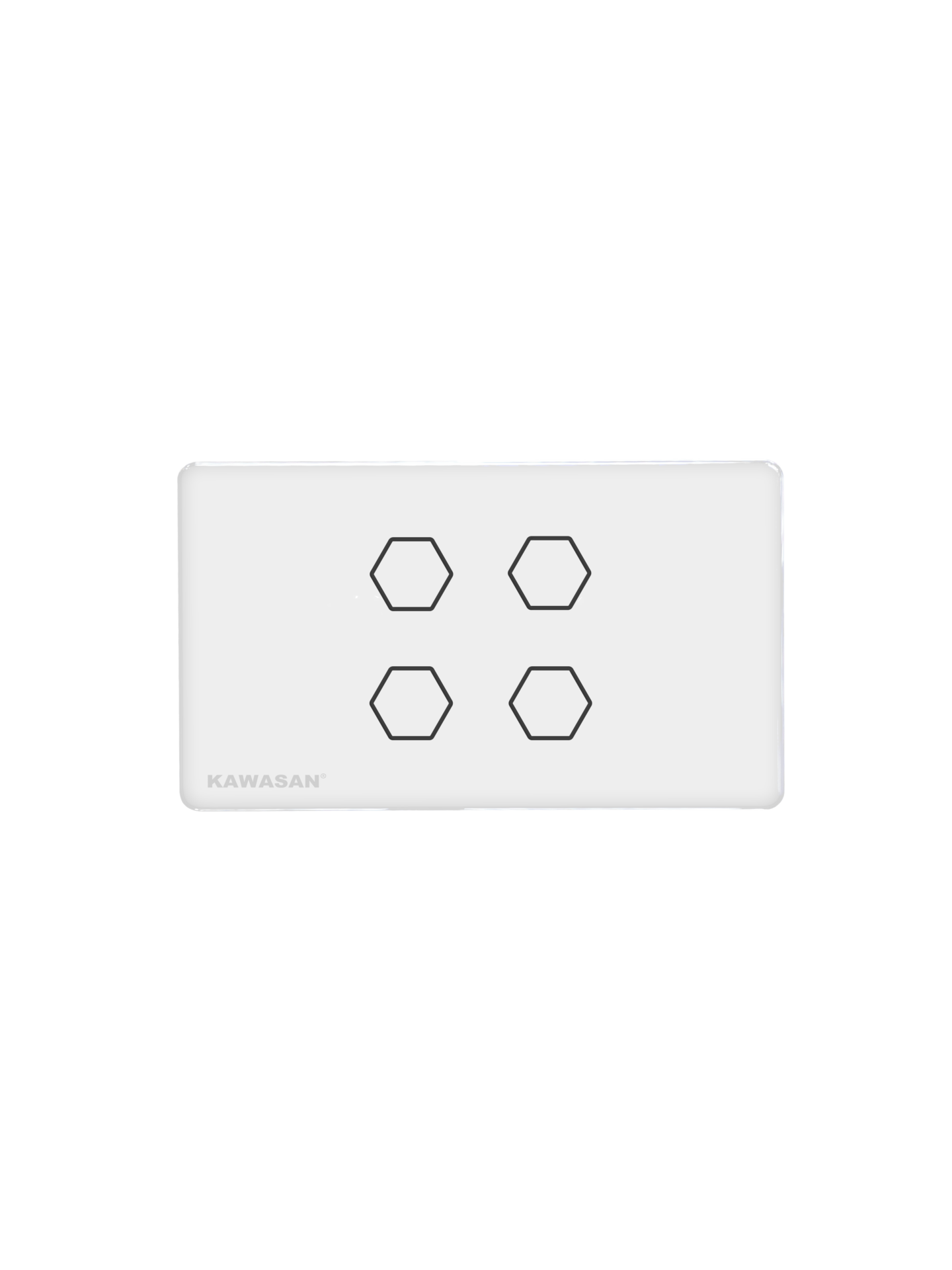
Công Tắc CT4N-WIFI - W/B Thông Minh Wifi
464.000 ₫
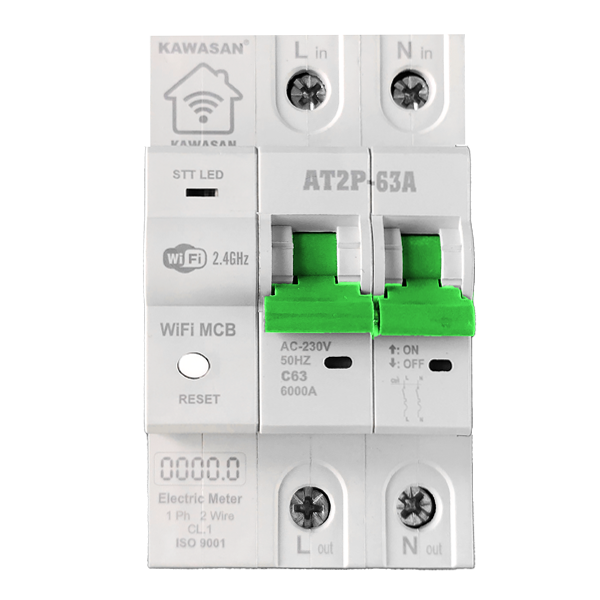
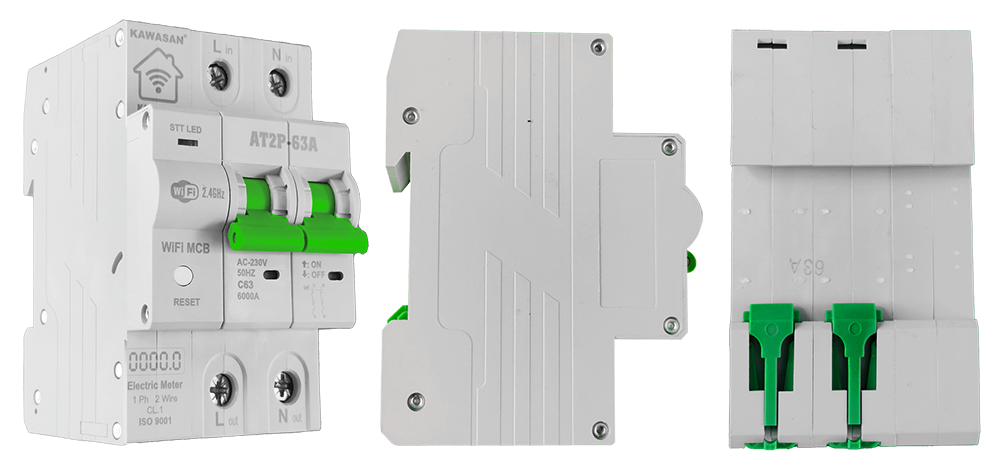
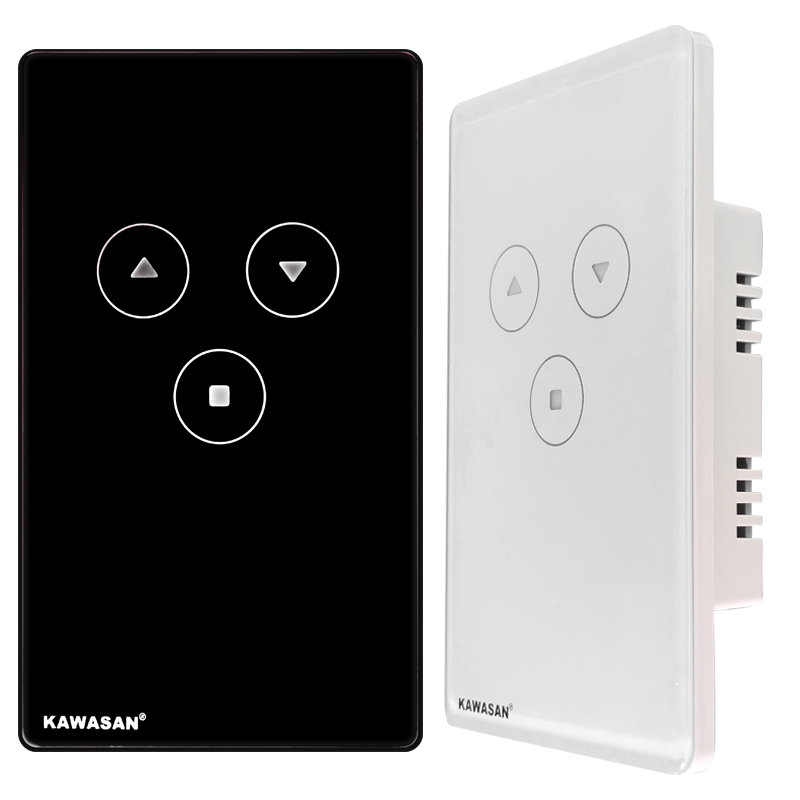
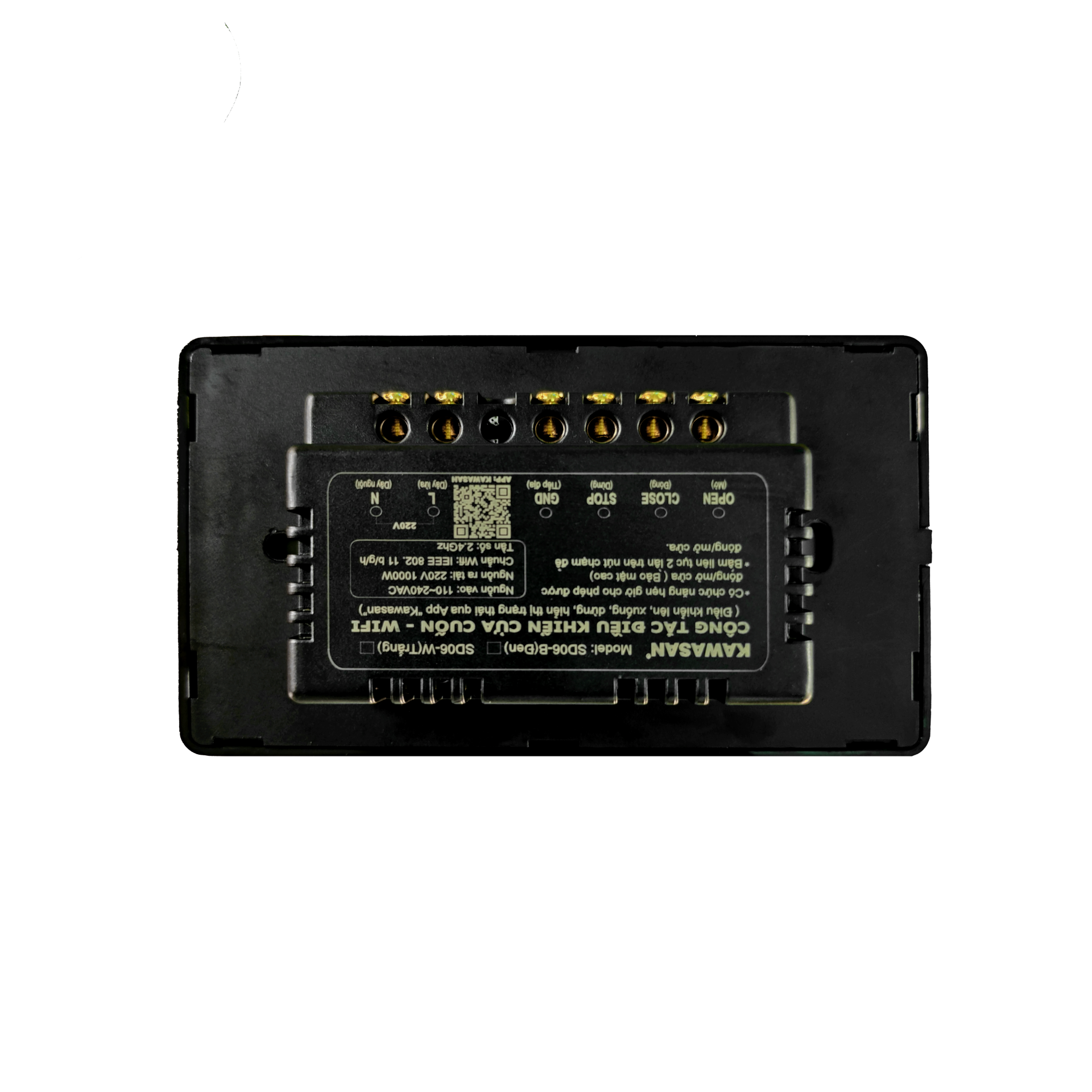
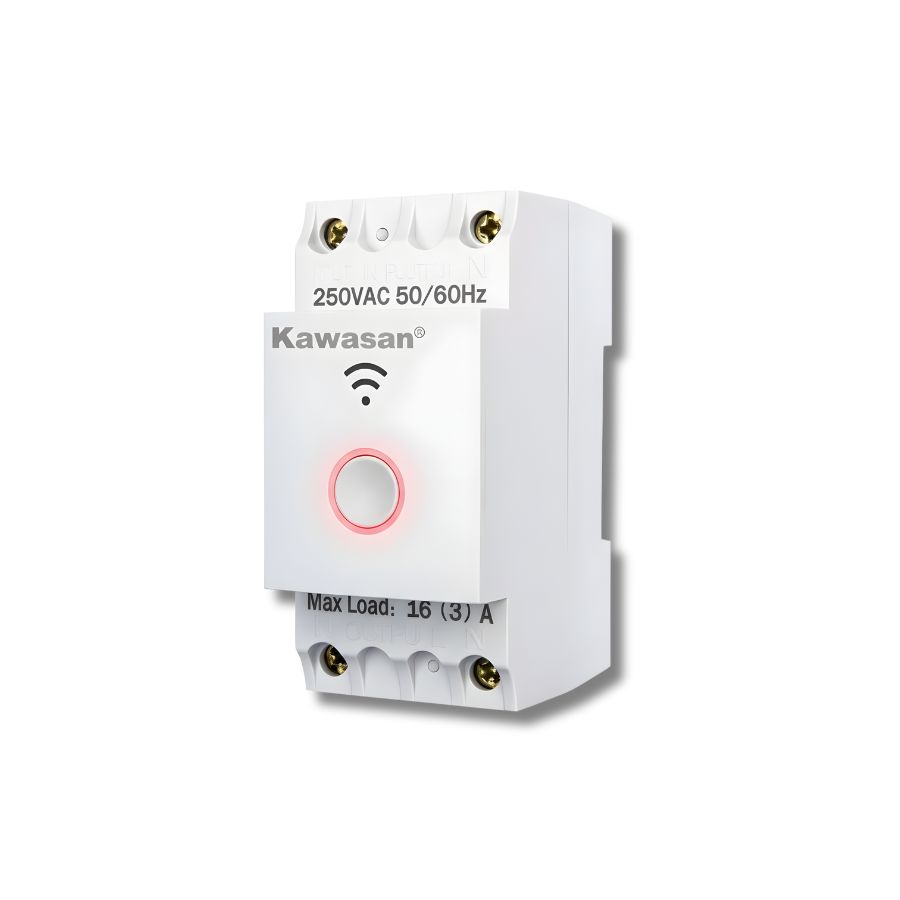
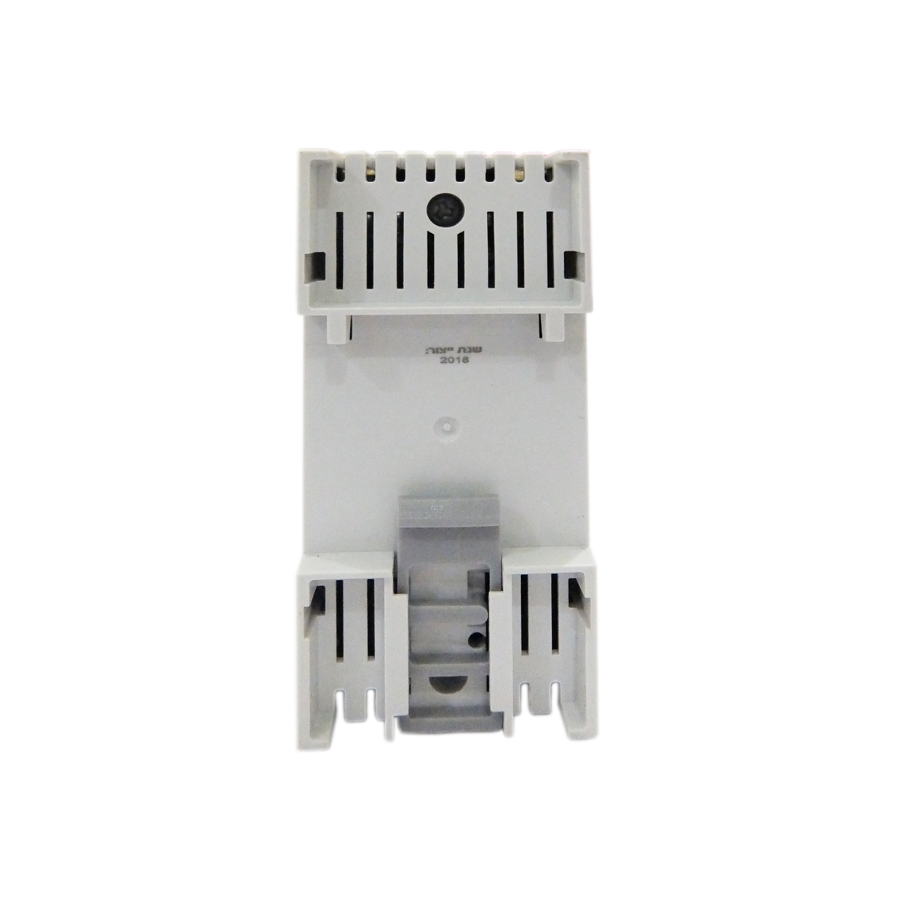
CB20A WIFI Rail Smart Switch
455.000 ₫
Mai Phương –
Công tắc cảm ứng chạm rất nhạy
Thanh Trúc –
Mình hay quên tắt điện trước khi đi ngủ nên có thể kiểm tra và xử lý qua WiFi thấy tiện hơn hẳn